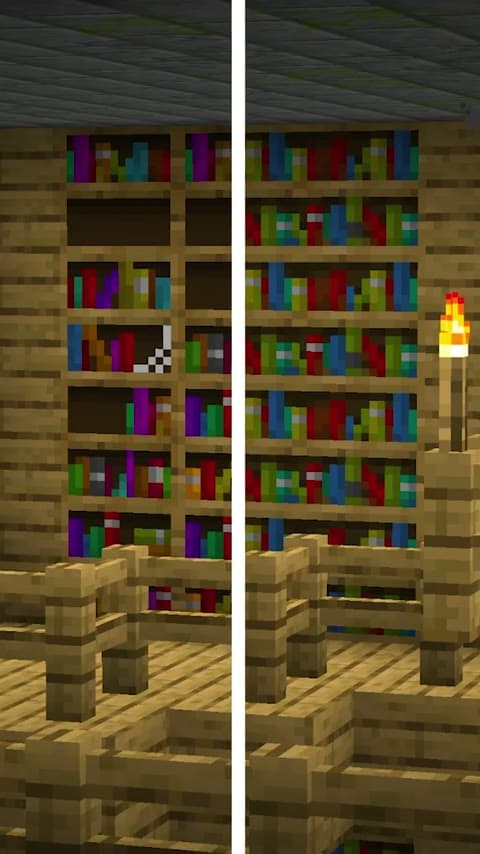
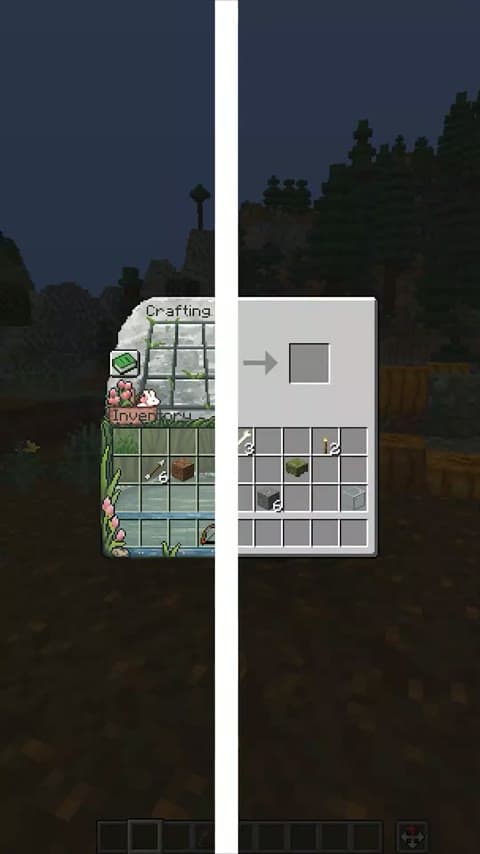
Find Mods and Texture Packs, see them in an in-game preview, and discover your next download. Your next Minecraft session starts here.
The Packs for your
next world.
Explore the Mods and Texture Packs featured in our videos.
By project creator
A preview of this Minecraft project, its features and the changes it brings to your game.
By project creator
A preview of this Minecraft project, its features and the changes it brings to your game.
By project creator
A preview of this Minecraft project, its features and the changes it brings to your game.
By project creator
A preview of this Minecraft project, its features and the changes it brings to your game.
By project creator
A preview of this Minecraft project, its features and the changes it brings to your game.
By project creator
A preview of this Minecraft project, its features and the changes it brings to your game.
By project creator
A preview of this Minecraft project, its features and the changes it brings to your game.
By project creator
A preview of this Minecraft project, its features and the changes it brings to your game.
Discover Minecraft Packs with PackTok
Project title
Start scrolling PackTokA different way to find
your next Minecraft Pack.
CurseForge and Modrinth are home to countless creations.
We help you discover what you love, by showing it in your game first.
| Feature | BEST CHOICEtopmclist. | CurseForge | Modrinth |
|---|---|---|---|
| PackTok | |||
| Before & after transitions | |||
| Browse in your browser | |||
| Small, hand-picked selection | |||
| Find Packs from our videos | |||
| Minecraft version filters |
Frequently asked questions.
Where can I find the Packs from your videos?
Search for the project name in our collection, or open PackTok and select the project underneath its preview. TOPMCLIST brings the Mods and Texture Packs featured in our videos together with their creator information and download links.
Explore Mods & Texture PacksWhat is PackTok, and how does it work?
PackTok is our swipeable feed of Minecraft previews. Watch a mod or Texture Pack in game, move to the next video, and open the project when something catches your eye. You can explore it in your browser on a phone or computer.
Try PackTokCan I see a Texture Pack before downloading it?
Yes. The projects featured in PackTok have in-game video previews. Many Texture Pack videos use a before-and-after comparison so you can see the original Minecraft textures alongside the changes. The project page also contains the available previews.
Watch in-game previewsHow do I know if a Pack works with my Minecraft version?
Check the supported Minecraft versions on the project page and confirm the requirements on the creator's download page. Mods may need a particular loader, and some Texture Packs need an additional mod for features such as connected textures or animated textures.
Find compatible projectsAre these projects for Minecraft Java or Bedrock?
Compatibility depends on the project. Java Mods and Java resource Packs do not automatically work in Bedrock Edition. Read the project description and the creator's installation instructions, and download the release for your edition of Minecraft.
Browse Texture Packs